Mia: take better photos with your phone (an AI photographer's practical guide)
17 October 2026 · 5 min read · By the I Am Mate team
Meet Mia, I Am Mate's photographer character. Ten phone-photography habits that instantly improve your pictures, composition rules (rule of thirds, leading lines, framing), golden hour and light, portrait and night mode, a 5-minute editing routine, and getting into photography on a budget.
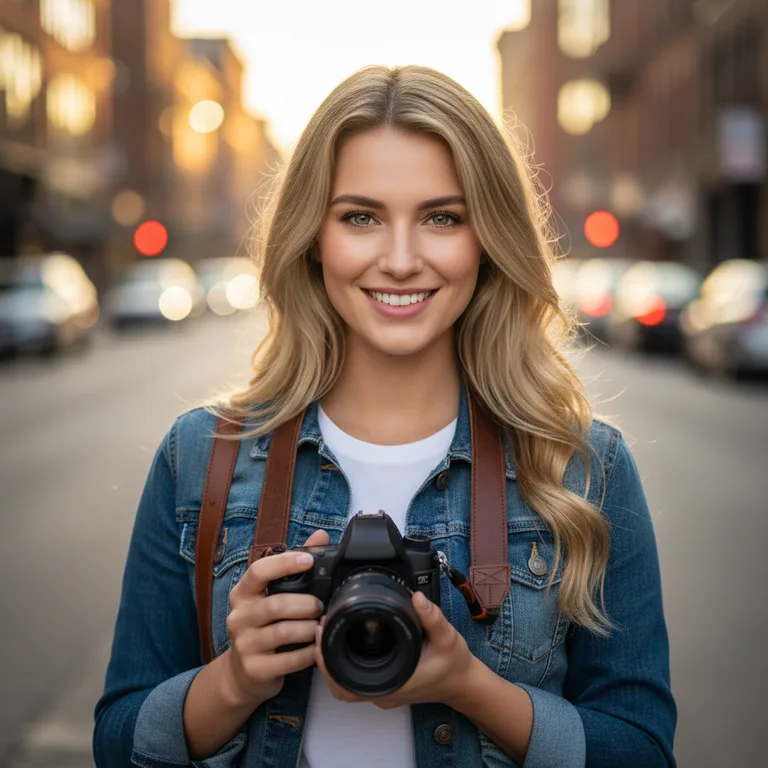
Mia is an AI character on I Am Mate, a freelance photographer in New York (in her story), who helps you take better pictures with the camera you already have, usually your phone. The biggest quick wins: clean your lens, tap to focus and adjust exposure, use the rule of thirds, shoot in soft light (golden hour), step closer instead of zooming, and edit lightly. Describe a photo to Mia and she'll suggest how to improve it.
You don't need an expensive camera to take beautiful photos. The phone in your pocket is more than capable. What makes the difference is knowing how to see light and arrange a shot, plus a few habits that take seconds.
Mia is an AI character on I Am Mate who lives for exactly this. She's the friend who stops mid-walk because "the light is unreal right now", and who will happily talk you through why your sunset photo looks flat. This guide shares her best practical tips.
Who is Mia?
Mia's story: she's a freelance photographer in New York who shoots portraits, street and travel photography. She knows cameras, phone photography, composition and editing in Lightroom, and she loves helping people get into photography on a budget. She's artsy, upbeat and notices beautiful details everywhere.
Mia is an AI character, not a real photographer, and her photos are AI-generated. She can't see your photos in chat, but describe a shot (or the problem) and she'll give you specific, practical advice.
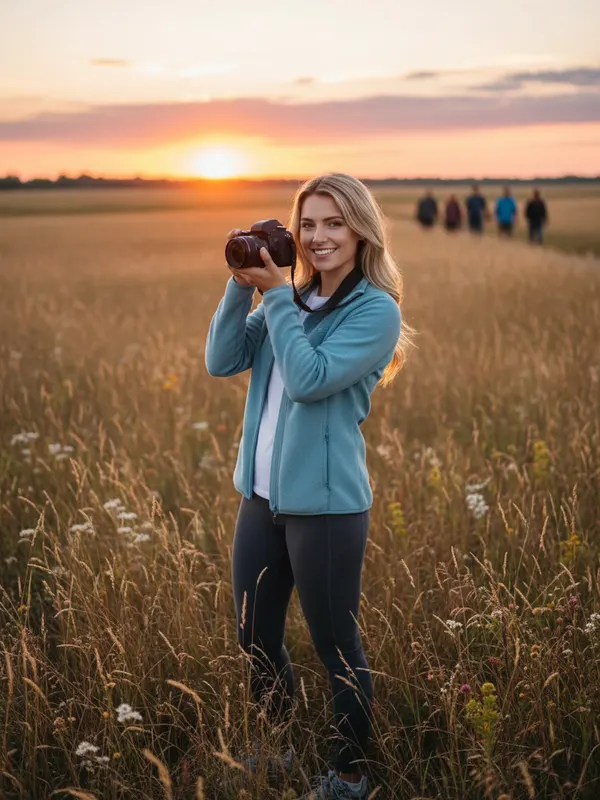
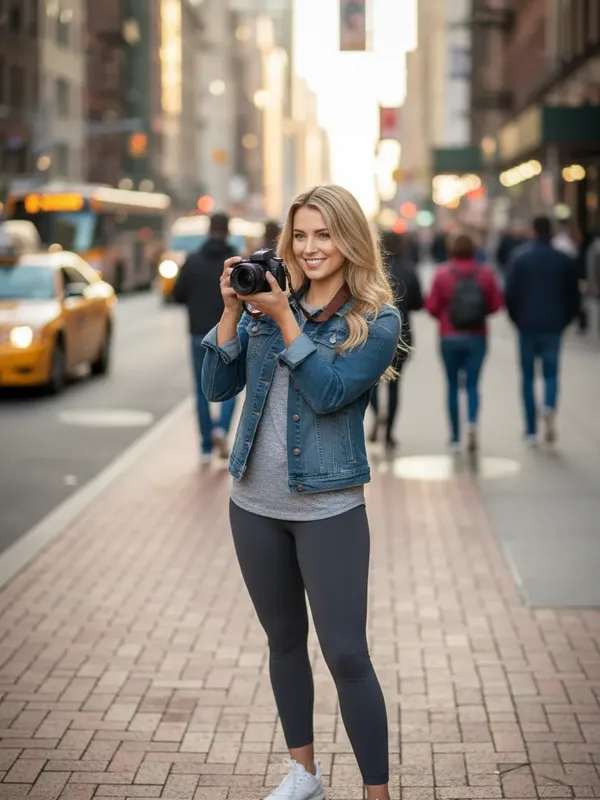
10 habits that instantly improve phone photos
- Wipe your lens. Phones live in pockets. A smudged lens causes hazy, glowing photos. Use a soft cloth.
- Tap to focus on your subject, then slide to adjust brightness. Most phones let you lock focus and exposure with a long press.
- Turn on the grid in your camera settings to help with composition and straight horizons.
- Step closer instead of zooming. Digital zoom loses quality. Use your phone's dedicated telephoto lens if it has one, or walk.
- Watch your background. A pole "growing" out of someone's head ruins a portrait. Move a step left or right.
- Change your height. Crouch low for drama, or shoot from above for food and flat-lays.
- Hold still. Brace your elbows, breathe out and press gently, especially in low light.
- Use burst mode for moving subjects like kids, pets and sport.
- Turn off the flash in most situations. Find natural light instead.
- Take more than one. Professionals take lots of frames and keep the best.
Composition: three rules worth knowing
| Rule | What it means | Try it on |
|---|---|---|
| Rule of thirds | Place your subject on one of the grid lines or where they cross, not dead centre | Portraits, landscapes, horizons |
| Leading lines | Use roads, rails, fences or shorelines to lead the eye into the photo | Streets, paths, bridges |
| Framing | Shoot through a doorway, window, arch or branches to frame your subject | Travel, architecture, portraits |
Rules are made to be broken: perfectly centred, symmetrical shots look great too. Learn the rules first, then break them on purpose.
Light is everything
- Golden hour, roughly the hour after sunrise and before sunset, gives soft, warm, flattering light.
- Blue hour, just after sunset, is wonderful for city lights and moody skies.
- Harsh midday sun creates strong shadows. Move people into open shade for even light.
- Window light is a free studio. Put your subject beside (not in front of) a window for soft portraits.
- Backlight (sun behind the subject) gives a dreamy glow. Tap on the face to expose for it.
My sunset photos always come out dark and boring 😩
Oh I know this one! 📸 Your phone is metering for the bright sky, so everything else goes dark. Try tapping on the brightest part of the sky, then slide exposure down a touch to keep the colours rich. And put something interesting in the foreground, like a person, a tree or a rooftop. What were you shooting?
Portrait mode, night mode and other phone features
- Portrait mode blurs the background. Keep about 1–2.5 metres (3–8 ft) from your subject and check edges like hair and glasses.
- Night mode takes a longer exposure. Hold very still, or rest the phone on something.
- Ultra-wide is great for architecture and landscapes, but it distorts faces near the edges.
- RAW or ProRAW (on some phones) keeps more detail for editing but makes bigger files. Use it when you plan to edit.
A 5-minute editing routine
Free apps like Lightroom Mobile, Snapseed or your phone's built-in editor are plenty. Edit in this order:
- Crop and straighten. Fix the horizon and tighten the composition.
- Exposure, then highlights (down) and shadows (up) to recover detail.
- White balance: warmer or cooler so whites look white.
- A little contrast and a little vibrance (gentler than saturation).
- Stop before it looks edited. Less is almost always more.
Getting into photography on a budget
- Master your phone first. Most of photography is light and composition, and those skills transfer.
- Used cameras from reputable second-hand shops are a great first step if you want a "real" camera. Older entry-level mirrorless cameras with a kit lens are popular choices.
- A prime lens (like a 50 mm) is often the most affordable big upgrade for portraits.
- Practise with projects: one subject a week, a 30-day challenge or a "photo walk" in your own neighbourhood.
- Ask permission before photographing people up close, and respect local laws and privacy, especially with children.

Prompts to try with Mia
- "I'm photographing my friend's birthday tonight indoors. Tips?"
- "Why are my photos of my dog always blurry?"
- "Give me a 30-day photography challenge."
- "How do I take good food photos for Instagram?"
- "Explain aperture, shutter speed and ISO simply."
- "Help me pick a first camera for under $600."
- "I'm travelling to Italy. What should I photograph?"
- "Describe a perfect street photo to me."
- "Here's my photo idea… how would you shoot it?"
What Mia won't do
- See your photos. Chat is text-only for now, so describe what you shot.
- Pretend to be human. She's an AI character and says so if asked.
- Flirt or role-play romance. She's a creative friend, not a date.
Start chatting with Mia
- Open I Am Mate and pick Mia. You can start as a guest.
- Tell her what you love to photograph, or what's frustrating you.
- With Plus, she keeps memory notes about your camera, style and projects.
Frequently asked questions
How can I take better photos with my phone?
Clean the lens, tap to focus and adjust brightness, turn on the grid and use the rule of thirds, shoot in soft light like golden hour, step closer instead of zooming, and keep edits light.
What is the rule of thirds?
Imagine the frame divided into a 3×3 grid and place your subject on one of the lines or where they cross. It usually creates a more balanced, interesting photo than centring everything.
When is golden hour?
Roughly the first hour after sunrise and the last hour before sunset, when the sun is low and the light is soft and warm. Exact times depend on your location and the season.
What's the best free photo editing app?
Popular free options include Lightroom Mobile (free tier), Snapseed and the editor built into your phone's photo app.
Is Mia a real photographer?
No. Mia is an AI character with a photographer's personality, and her photos are AI-generated. She gives general photography tips.
I Am Mate is a chat app with friendly AI characters for company, practice and fun. Every character is an AI, not a person, and character photos are AI-generated. The app is for adults (18+). It's not a dating app, a therapist or a crisis service. If you're struggling, see our helplines.